MachiNZ apps are now available in Google Play and App Storefor Machi Auckland Direct Customer.
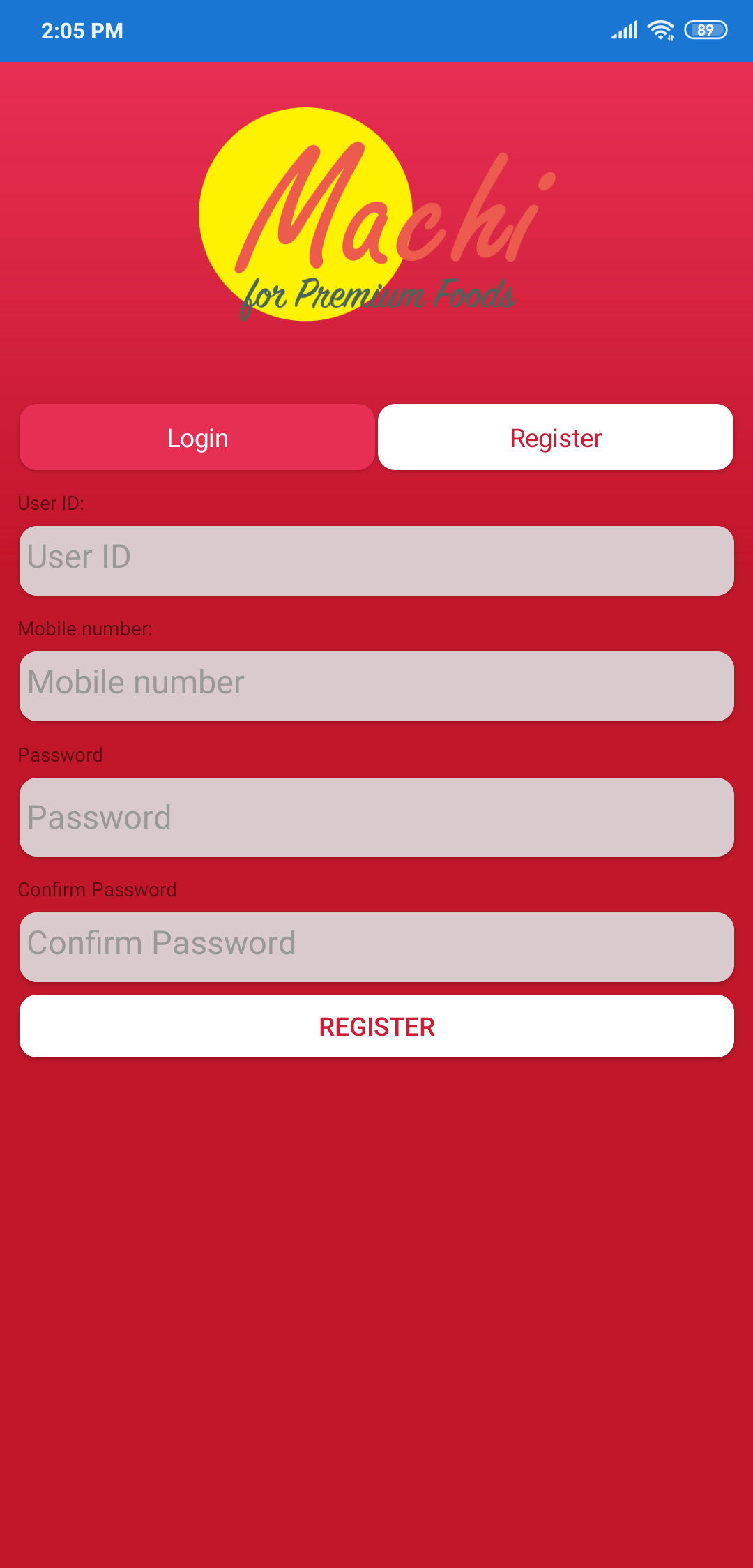
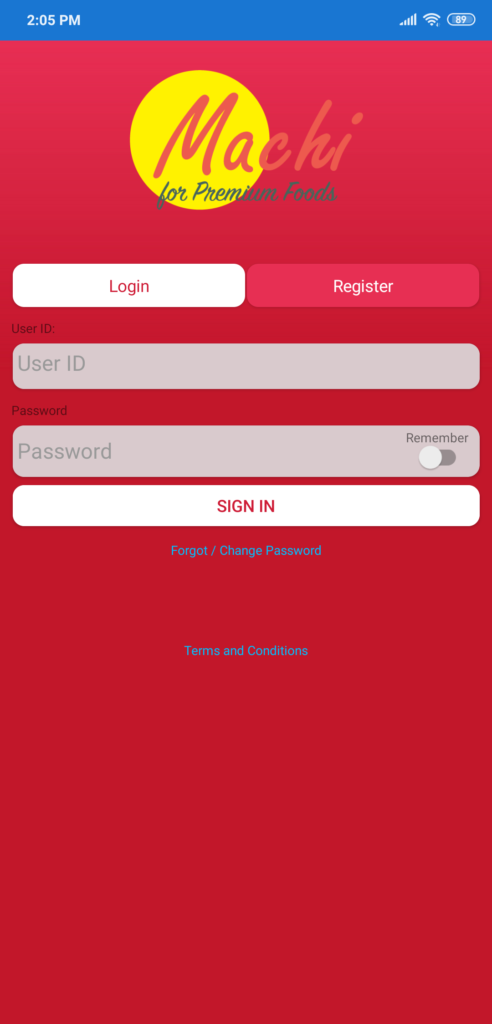
For first time user, please select Register to create an App account.
User ID is your Account Number and it can be found in new customer welcome email or if you already made purchases with us, it will be on the invoices.
Mobile number is the contact phone number you filled in the form when create an account with us, if you haven’t add your mobile number to your account contact detail, you can contact us at 0800 46 2244 for assistant.
ur
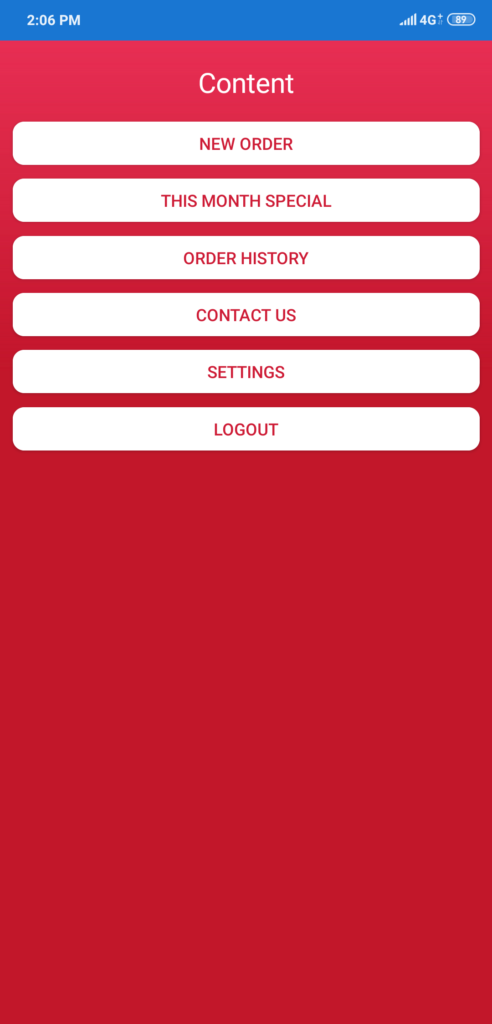
Select “NEW ORDER” to start ordering.
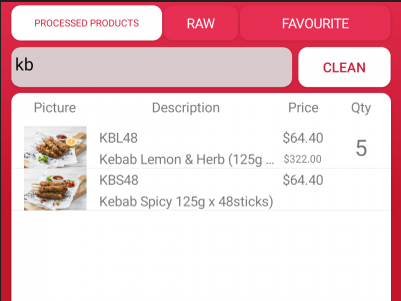
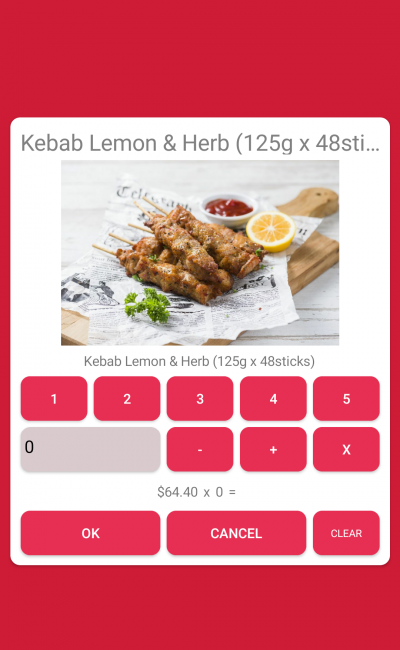
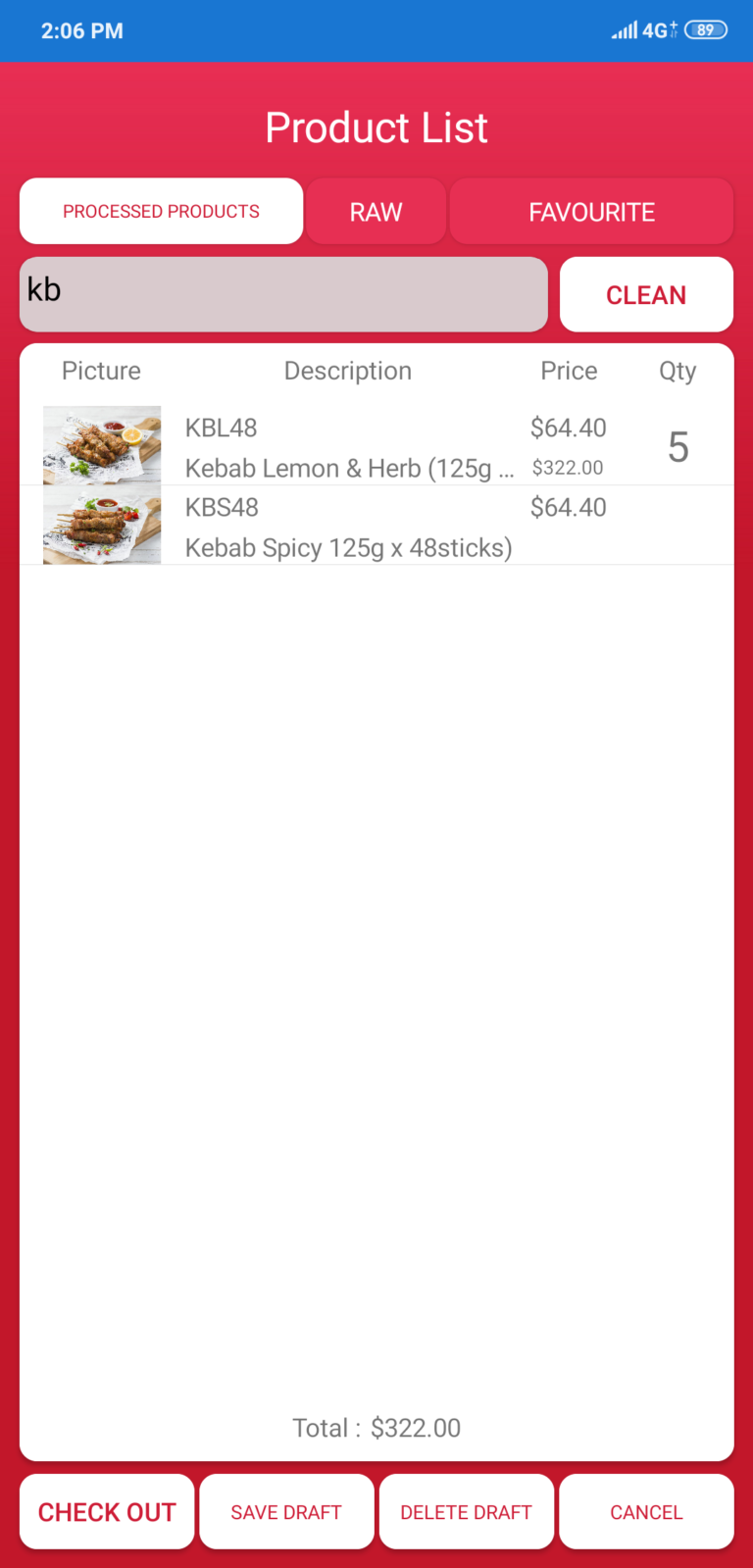
Select the products you want and add the quantity you need to the cart.
HINT: Look at the StockCode from your previous invoice and search the products using StockCode in the app.
Or select FAVOURITE TAB which will show the shorter list of products that you ordered before.
When finished ordering, click CHECK OUT.
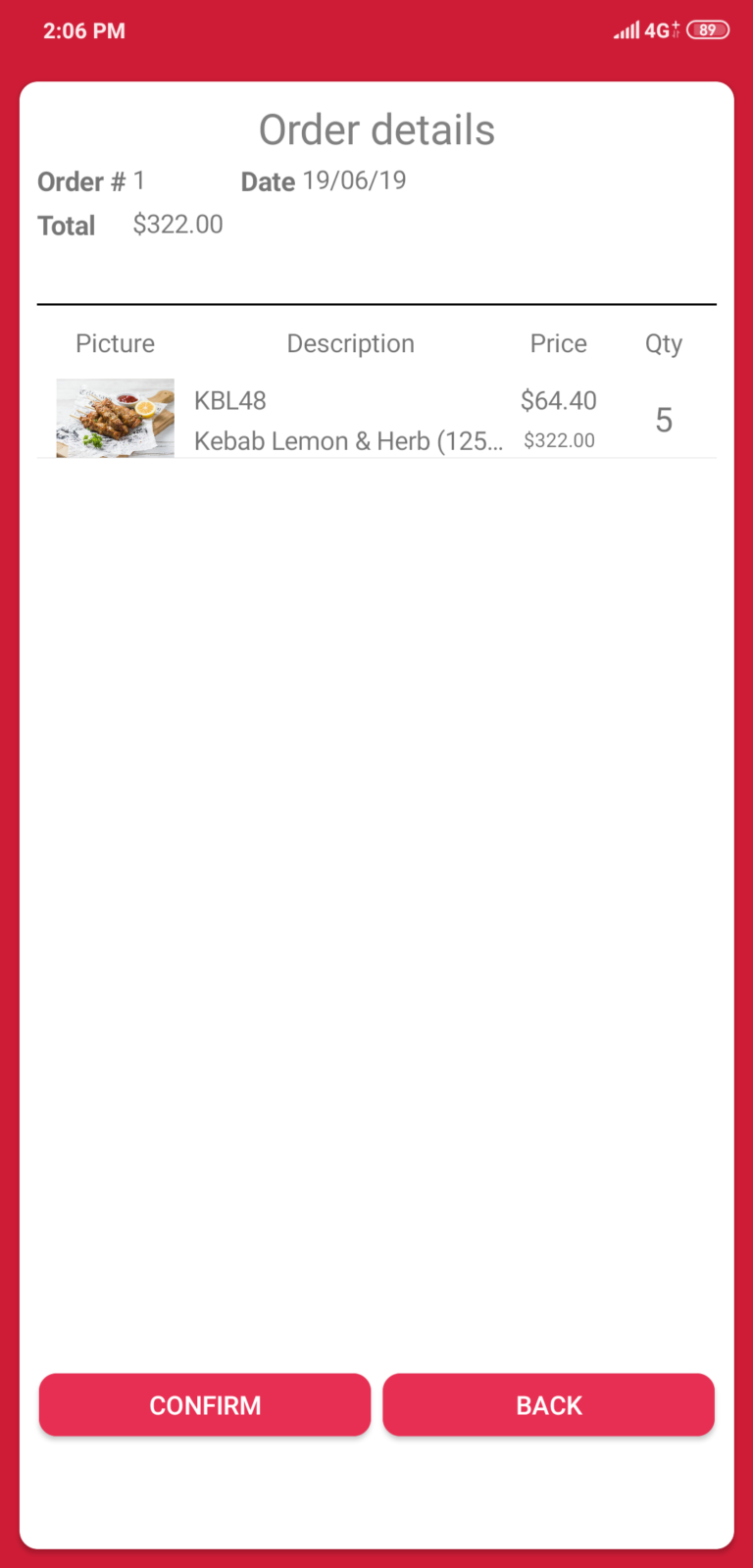
Double check your order, if you’re happy with it, click CONFIRM.
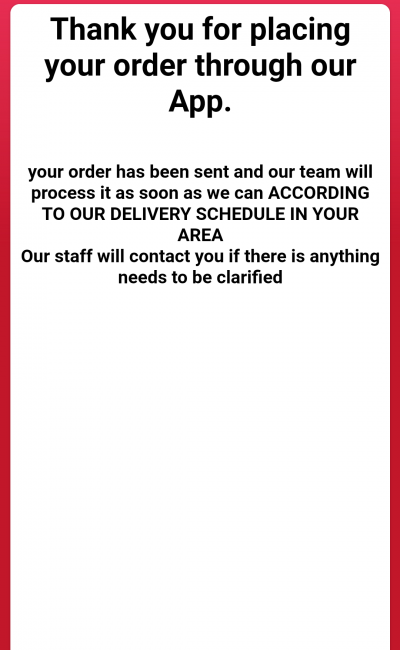
If no error and this message pop up, your order had been sent successfully and we will process your order ASAP